Shader Practice Showcase (version1)
Make sure to enter fullscreen view to see the full scene!
This is an experimental project I created to practice WebGL friendly Unity shaders! Each shader can be adjusted with the sliders that control different parameters.
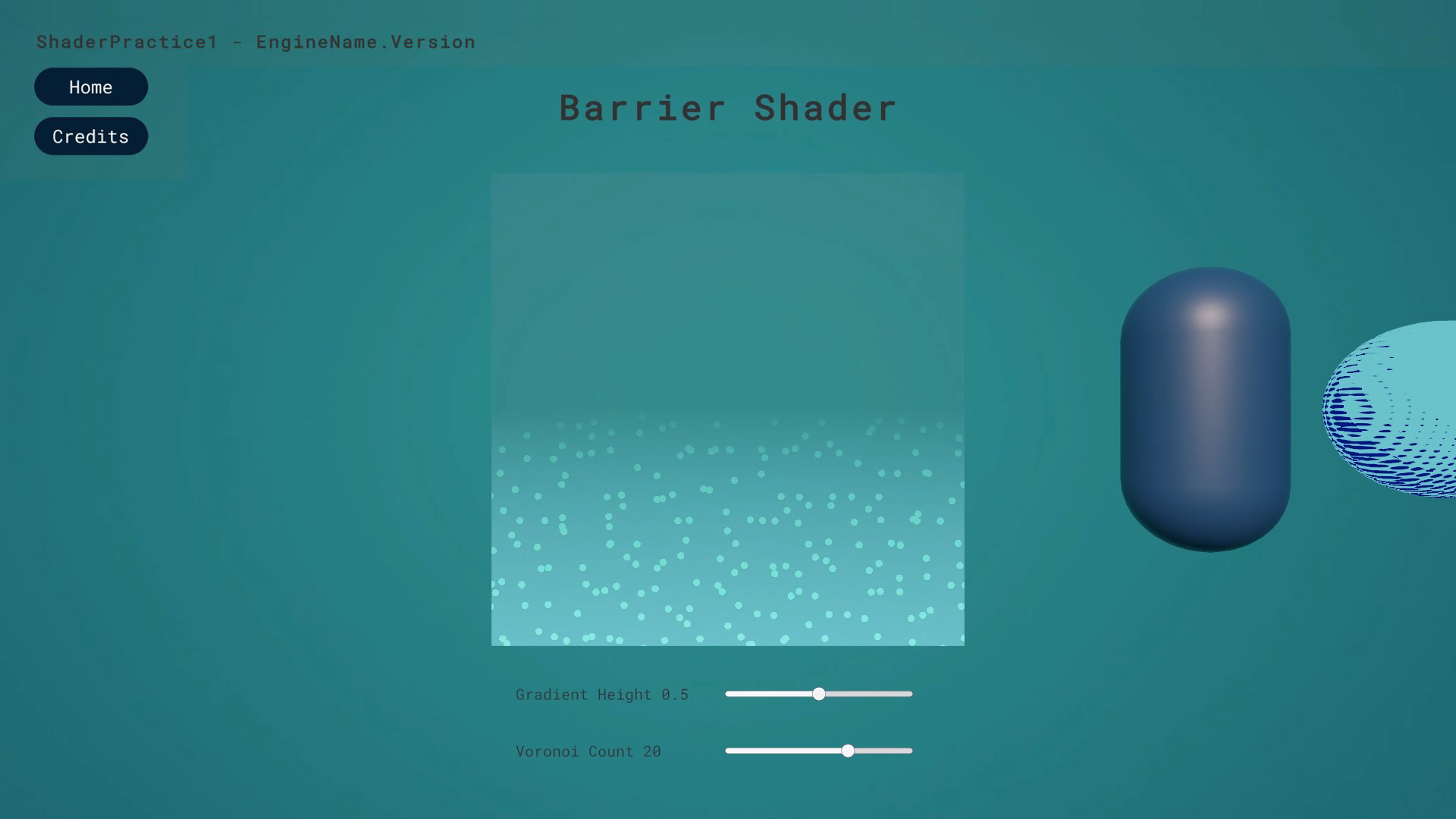
- Barrier Shader: adjust gradient height and voronoi count parameters.
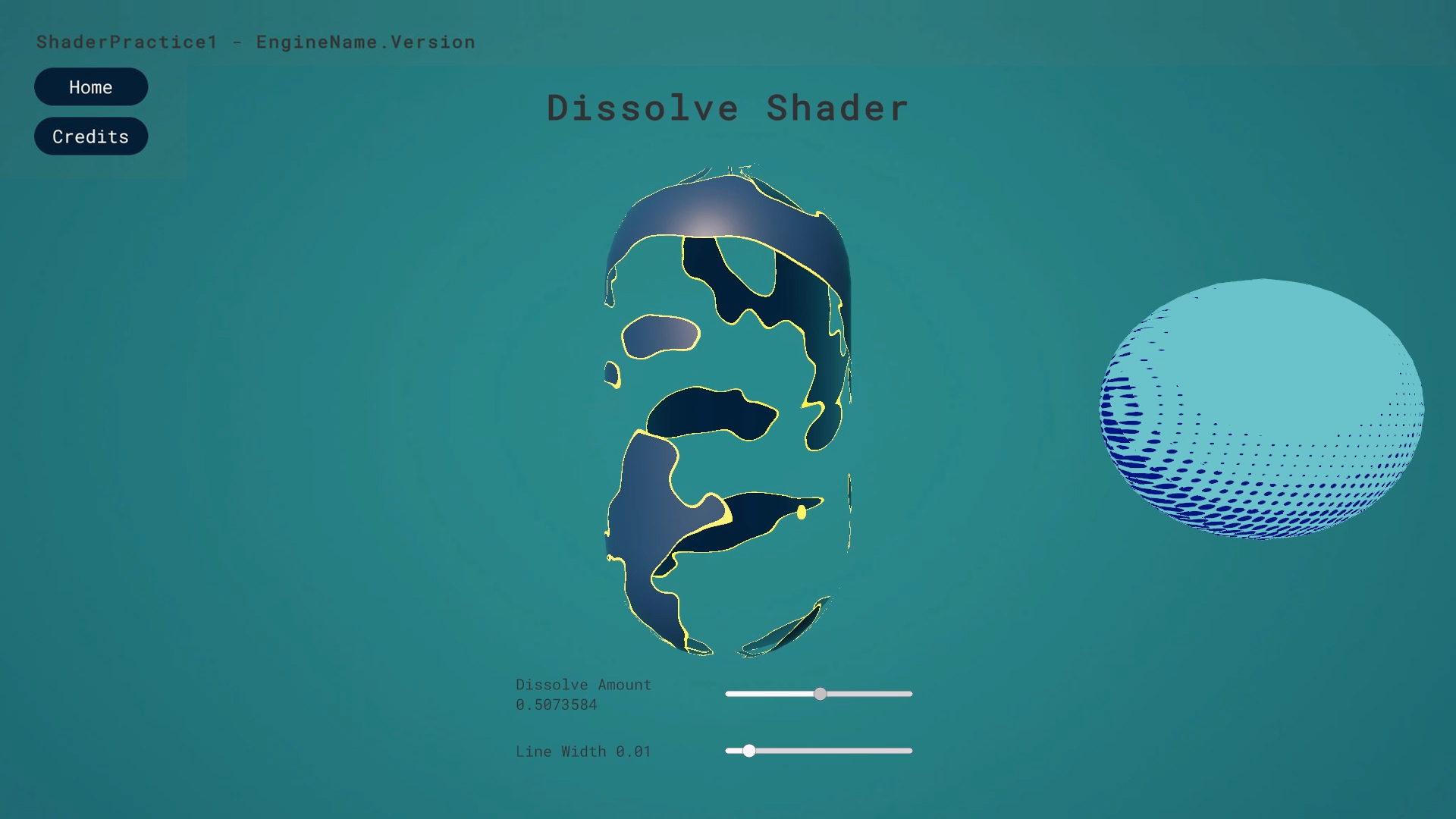
- Dissolve Shader: adjust dissolve amount and line width parameters.
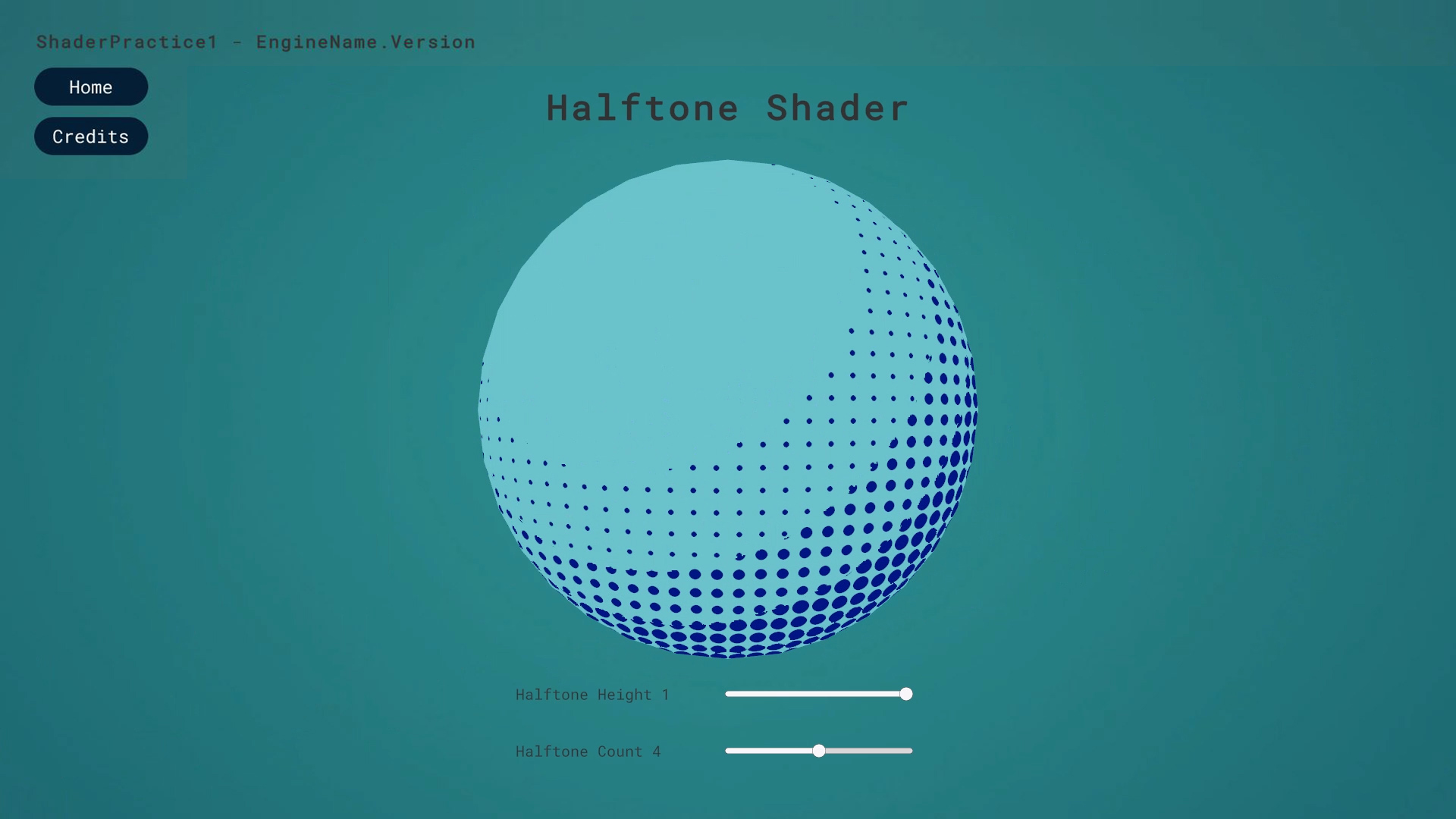
- Halftone Shader: adjust halftone height and halftone count parameters.
Controls:
- Press A, B, C keys on your keyboard to switch between the shaders.
- Use sliders to change some values of the shaders.
Important Notes:
- Sometimes you need to double click the button on your keyboard to switch the view.
- To reset the slider values, click on “Home” button on top left of the screen and click “start” again.
Credits
Video resources used:
Shaders
Unity
Leave a comment
Log in with itch.io to leave a comment.